
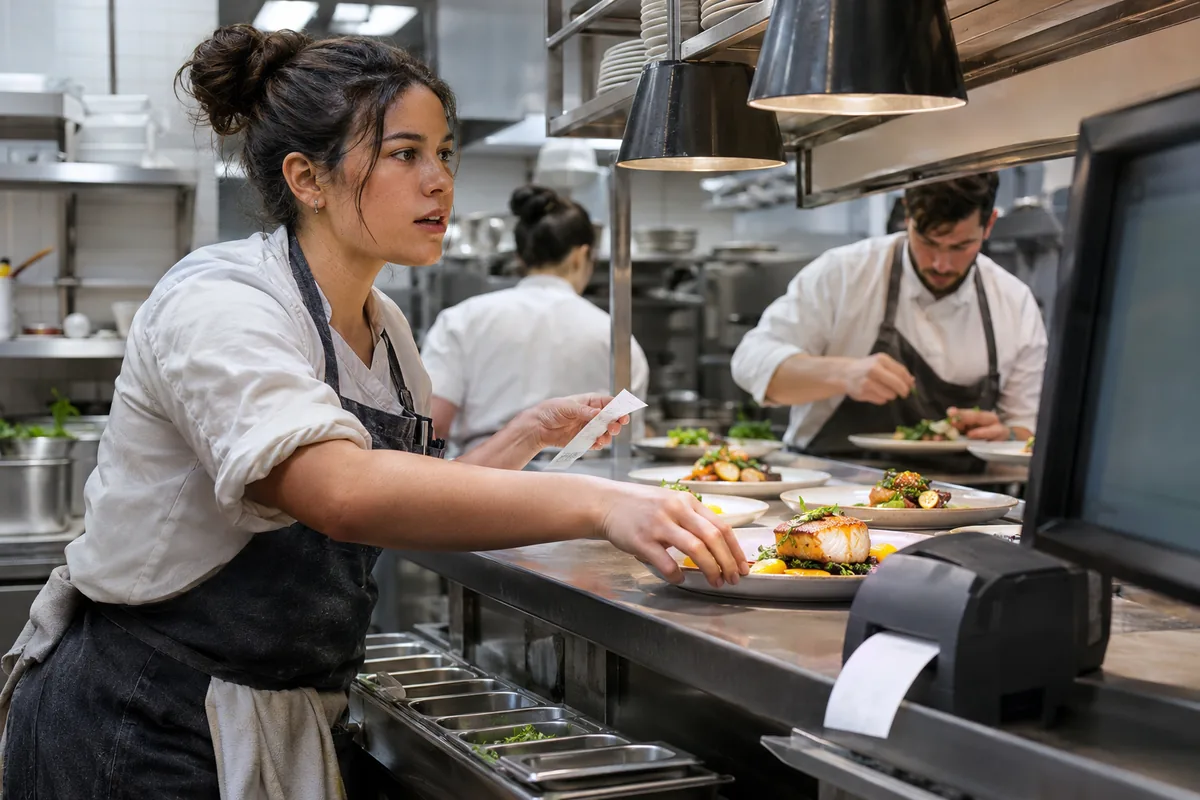
What does the kitchen need to see at once?
The useful comparison is not paper versus modern technology. It is how your team recognizes current work, identifies what needs attention, and coordinates dishes across stations. A paper ticket can be easy to move physically; a display may represent status or timing in a different way. Ask what your actual setup supports and how employees will use it during service rather than assuming either format is universally better.
Select several representative orders, including a long one with modifications. Check readability at the actual working distance, under the kitchen's lighting and noise conditions. The kitchen ticket-routing guide helps establish which station receives each item. Choosing a display does not resolve incorrect routing, and choosing a printer does not remove the need to identify the latest instruction after an order changes.
How does the team recognize changes and completion?
Demonstrate an added item, a removed ingredient, and a correction after preparation begins. Staff should be able to distinguish the current request from an earlier version without relying on memory. Ask who confirms that work is complete and what another station sees afterward. If a display supports completion controls, test an accidental action and the approved recovery process with the people who will actually use it.
For printed tickets, inspect how updates are labeled and where the team keeps the current record. For screens, inspect what remains visible when several orders arrive together. Do not assume either method prevents duplicate preparation automatically. The post-payment order-change guide supplies useful test cases because a change must remain clear to the kitchen even when the financial side of the sale has already progressed.
What happens if the device stops working?
A missing ticket and an unavailable display both need a recovery process. Establish how staff recognize failure, how the responsible person is alerted, and which orders may be affected. Rehearse the provider's documented safe test procedure outside service. Do not install an improvised connection or blindly resend every recent order, since the kitchen may already have received some of them before the problem became visible.
Identify any supported fallback and document its limits. A spare printer is useful only if it is ready, compatible, and part of an approved procedure. A second screen is not a complete fallback if the same failed connection supplies both devices. The restaurant outage checklist distinguishes local equipment, network, internet, and payment dependencies so the team can respond to the actual failure rather than its appearance.
How can you compare the options fairly?
Have cooks and expediters run the same sample service using the proposed arrangement. Include a rush of orders, a correction, a station handoff, and a failure rehearsal. Observe where people need to search, repeat a question, or keep a separate note. Record training needs and physical placement constraints. An attractive screen in an office presentation is not the same as readable information beside an active preparation station.
Review equipment, installation, consumables where relevant, cleaning instructions, support, and any separate connection required. A mixed arrangement may be appropriate if its ownership and recovery steps are clear. Use the POS buyer's guide to compare the full operating cost and demonstrated behavior. Confirm current Freedom POS kitchen-device support directly instead of treating this comparison as evidence that a particular display or printer is included.