At checkout
Keep product details, variants, discounts, payments, and the customer conversation together at the point of sale.
Freedom Retail
Freedom POS for retail is a POS workflow that connects catalog, SKUs, inventory, receiving, returns, and customer history for stores.
Give the register, stockroom, and customer record a shared source of context without making retail behave like a restaurant.
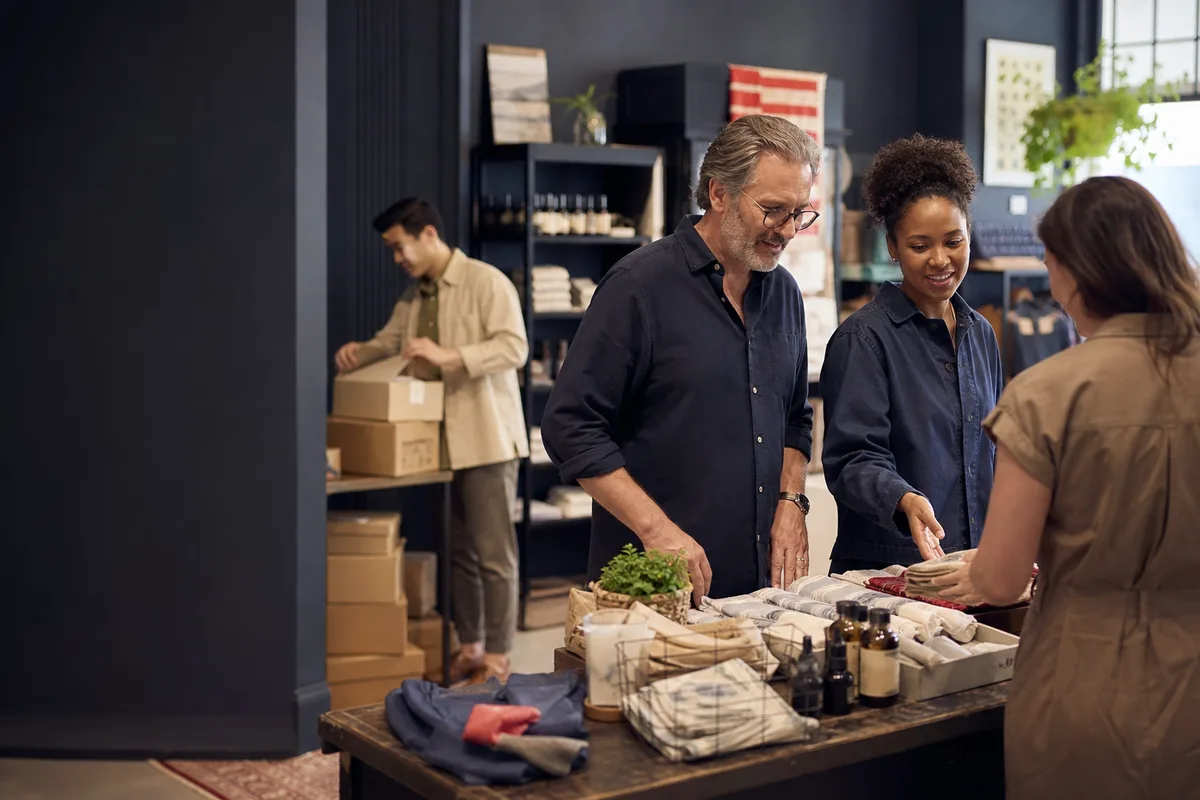
Where the work happens
A retail store runs on SKU-level inventory decisions. This is where the retail POS, catalog, and stockroom need to agree with the shelf.
Keep product details, variants, discounts, payments, and the customer conversation together at the point of sale.
Organize SKUs, variants, vendors, and item details around how your store actually buys and sells.
Make incoming deliveries, adjustments, and stock movement easier to trace from back room to shelf.
Keep returns, exchanges, customer history, sell-through questions, and store reporting in the same operating picture.
The workflow
Freedom POS retail POS software follows an item from scan to sale, keeping inventory and SKU data connected to receiving and returns.
Go one level deeper
Each of these shares the Retail workflow above, with the moments that are actually specific to that business type.
Freedom POS for boutiques and apparel is a Retail sub-vertical built around size and color variants, a personal styling-led sales floor, and exchange-heavy returns.
See Boutique & ApparelFreedom POS for convenience stores is a Retail sub-vertical built around fast small-ticket transactions, a wide fast-moving SKU count, and frequent smaller deliveries.
See Convenience StoreFreedom POS for liquor stores is a Retail sub-vertical built around bottle-and-case unit handling, a catalog with varietal and vintage detail, and age verification as an operating reality of the business.
See Liquor StoreFreedom POS for specialty retail is a Retail sub-vertical built around a smaller curated catalog, a high-touch sales conversation, and special-order tracking.
See Specialty RetailBusiness-native context
Freedom POS keeps inventory, SKU management, and customer history in retail language while sharing the same merchant platform underneath.
See the shared platformAI-generated commissioned launch art; no customer or testimonial attribution is implied.
Common questions
Retail is designed around a five-step workflow, scan, sell, update stock, return, and report, so a sale and a stock change stay part of the same picture. In receiving, incoming deliveries, adjustments, and stock movement are designed to be traceable from the back room to the shelf, and in the catalog, SKUs, variants, and vendors are organized around how the store actually buys and sells.
That is part of the design. After the sale, Freedom POS is built to keep returns, exchanges, customer history, and sell-through questions in the same operating picture as the original transaction, instead of separate systems a retailer has to reconcile by hand.
Retail is designed for specialty stores, boutiques, and multi-location retailers where catalog, inventory, returns, and customer history are central to the day. Because merchant and location data are part of the shared platform, multiple stores are meant to work from the same catalog and customer context rather than isolated registers.
Retail is a starting point
We can use your business type, locations, roles, and daily handoffs to shape the next product walkthrough.