
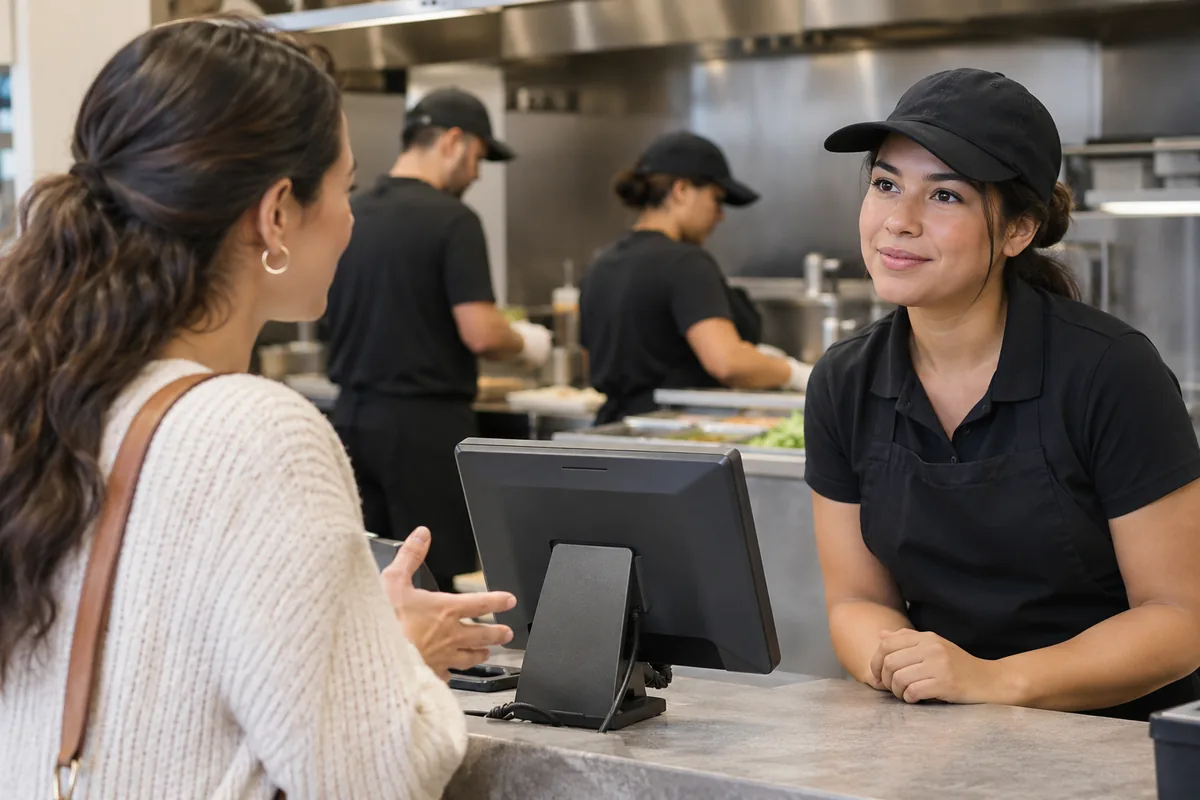
Separate the order change from the money change
A customer who has already paid may want a different drink, another side, or an ingredient removed. The team needs to resolve two questions: what should the kitchen make now, and does the payment need an adjustment? A register may support one part differently from the other. Start by defining the approved response to a same-price substitution, an addition, and a change that lowers the total.
Write down who may authorize the change and when a manager must become involved. Staff should not improvise a second sale or cash adjustment simply because the original order is difficult to edit. The quick-service workflow overview provides the broader order-to-pickup context. Ask the supplier to demonstrate each scenario after payment, rather than changing an unpaid basket and calling it equivalent.
Find out whether preparation has started
The same request can have different practical consequences before and after the kitchen begins work. Identify how the cashier checks preparation status and how a change is acknowledged. An updated screen is not enough if a cook is still working from an earlier printed ticket. Your procedure should make the current instruction clear and prevent both the original item and its replacement from being produced unintentionally.
Demonstrate a modification before preparation, during preparation, and after the order is ready. Record any unsupported point in the sequence and agree on a manual response. The kitchen ticket routing guide helps evaluate the destination and clarity of updated instructions. Do not assume the same edit behavior applies to every printer, display, or connected ordering service.
Verify the payment trail
For an addition, confirm whether the supported process collects a separate payment or modifies an existing transaction. For a reduction, follow the payment provider's approved refund process and verify the status before trying again. Keep the original transaction and adjustment references available for reconciliation. Never ask employees to record card details in notes or use an undocumented payment workaround to keep the line moving.
Inspect the receipt the customer receives and the records the manager sees at close. Both should make the final order and any additional charge or returned amount understandable. Ask the provider to explain timing and exceptions without making unsupported promises to guests. The POS buyer's guide can help include these support, permissions, and reconciliation requirements in the purchasing conversation.
Confirm the final order at pickup
The pickup team needs the latest version, not merely the first ticket printed. Check labels, drinks, sides, and any substitution before handing over the order. Use a brief read-back when appropriate so the customer can confirm the agreed change. If a change cannot be honored, explain the available resolution rather than allowing the kitchen and cashier to make separate promises about what will happen.
Build a small training exercise with one same-price substitution, one added item, and one refund. Reconcile all three examples from request to handoff and closeout. Log where employees needed a workaround and decide whether it is sustainable during a rush. Use the contact page to request a Freedom POS demonstration of those exact cases and verify the supported behavior before finalizing your operating procedure.