
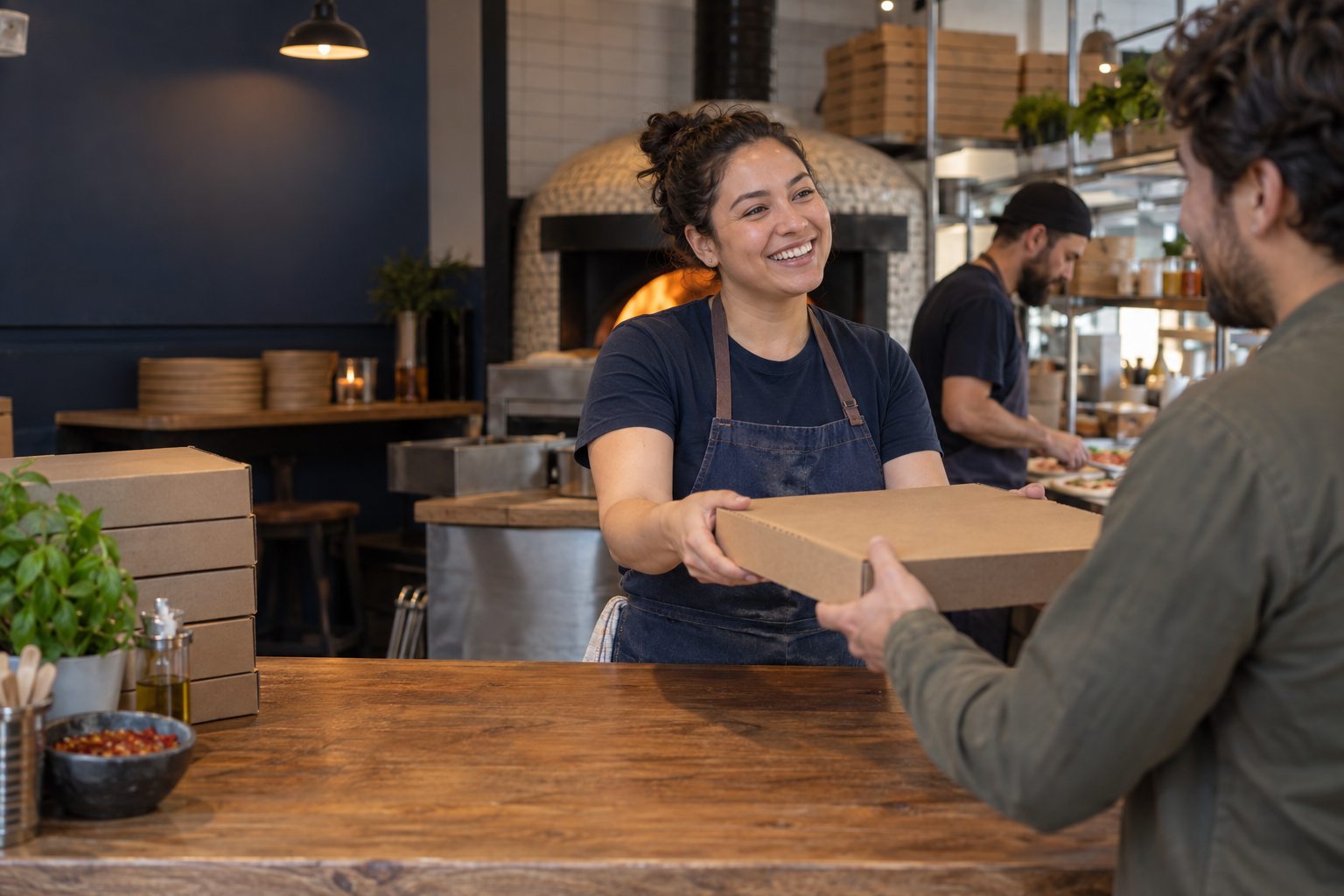
Treat pickup as a separate service channel
Off-premise demand gives restaurants another guest journey to manage, even when the meal is prepared in the same kitchen as dine-in orders. The pickup area needs its own logic: how an order is marked ready, where it is staged, who checks it, and how a guest knows where to go. Without those decisions, shelves fill with bags and the front team spends its time answering the same question.
Draw the space as it works during a real rush. Mark where guests enter, where they wait, where orders are staged, and where staff can safely verify a name or number. Keep dine-in traffic moving and avoid putting hot food in a place where it waits too long. The quick-service solution page offers a useful lens for connecting order, production, and handoff.
Use labels that answer the next question
A label should help a staff member or guest identify an order without exposing more personal information than necessary. Choose a consistent name or number, check that it is legible, and put it in the same place on every package. Large orders may need a bag count or a simple list of components so a drink, side, or dessert does not get left behind.
Avoid relying on color alone; labels must remain understandable for people with color-vision differences and under low light. If a team uses different packaging for hot and cold items, make the separation visible in the staging routine. The POS buyer's guide includes questions about order status and record clarity that can be tested with a real pickup example.
Assign ownership for exceptions
Every pickup system needs a plan for the order that is not ready, has a missing item, or is claimed by the wrong person. Decide who checks the kitchen status, who can approve a remake, and who communicates an updated wait estimate. The person at the counter should not be left to guess whether to promise a time or send the guest back to the shelf.
Create a short escalation path that works when the manager is busy. A named backup and one shared status reduce duplicate work. For complex orders, verify the package before marking it complete. The pizza workflow page covers a specialized order context; adapt the same exception discipline to your own menu, not another restaurant's exact setup.
Review the handoff after a busy shift
Ask staff which pickup questions repeated, what was hard to find, and where an order paused. Compare those notes with remakes, refunds, and late-order records if you track them. One shift is not enough to prove a pattern, but repeated friction is a good reason to test a small change. Move the shelf, change the label position, or clarify the announcement before changing everything at once.
Document the new routine in a brief opening or closing checklist and train people who cover the counter infrequently. Check that it remains safe and accessible as order volume changes. The platform page can help frame questions about shared order visibility, while the pricing page reminds buyers to consider training and operational setup in the overall cost of a system.
- Mark a consistent staging area for each order status.
- Name the person who owns a delayed, missing, or disputed order.
- Review recurring questions and remakes after comparable shifts.