
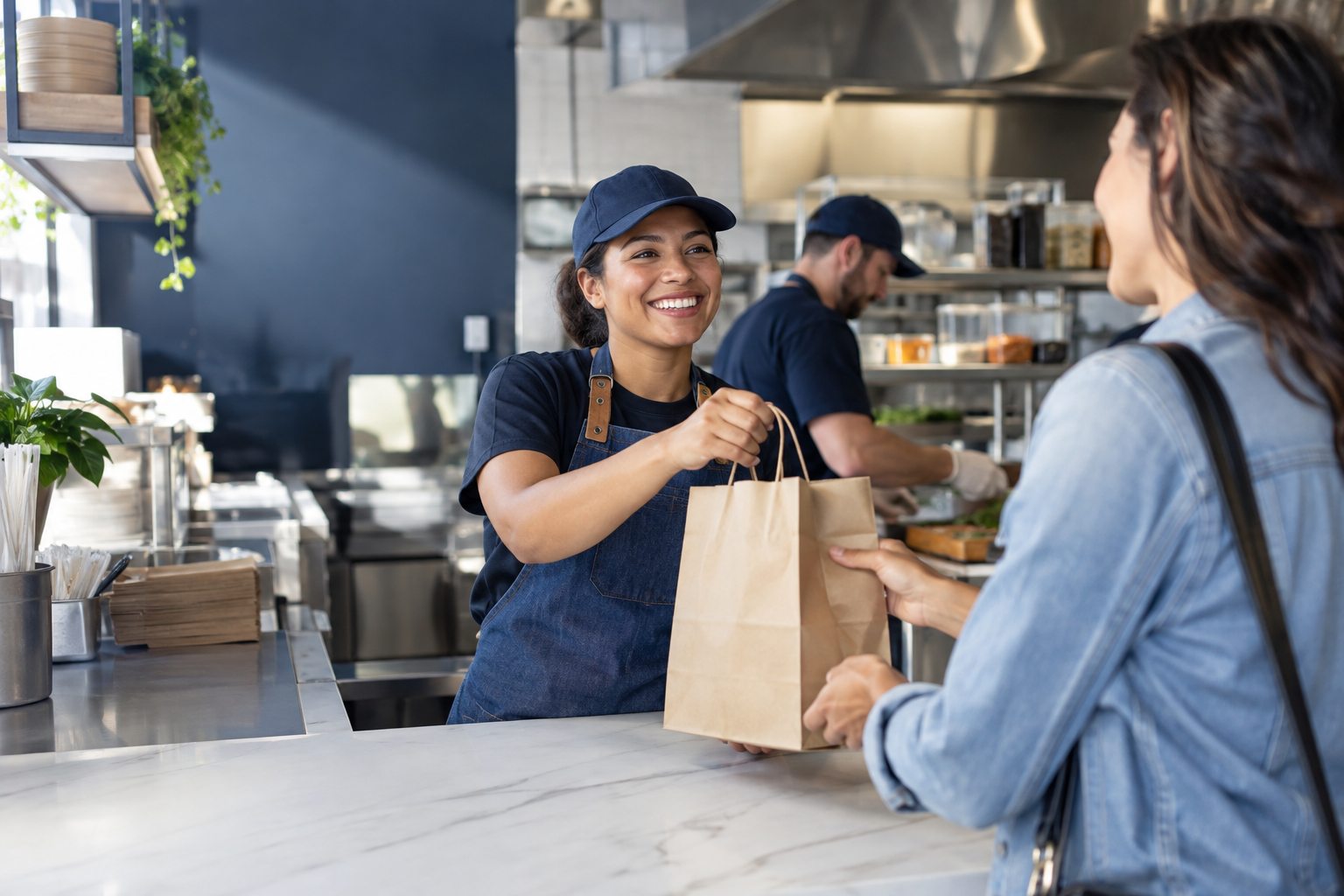
Start with the moment a customer is ready to pay
Contactless is one of several payment choices a customer may expect, but adding it should solve a real checkout problem. For a smaller operator, the useful question is not whether another retailer uses it. It is where payment currently slows the line, what customers ask for, and whether the checkout position gives people a clear place to tap, insert, or swipe without blocking the next order.
Map the payment moment from the employee's prompt to the approved response on the terminal. Check the height and angle of the device, whether the customer can reach it, and how the staff member knows a transaction is complete. A tap is only one part of checkout; the receipt choice, tip prompt, loyalty step, or age check may take longer than the payment itself.
Keep the fallback as clear as the preferred path
A contactless tap can fail because of a card, device, network, or configuration issue. Train staff to recognize the terminal message and offer the next supported method without repeatedly asking a customer to retry the same action. The fallback should preserve the same sale rather than creating a duplicate authorization or a second ticket.
Test the whole path before a busy period: tap, chip, declined payment, interrupted connection, receipt, and refund. Confirm the employee knows when to ask for help and when the customer can choose another tender. The quick-service workflow page provides a useful frame for examining how counter orders, payment, preparation, and pickup fit together.
Coordinate hardware, placement, and training
A payment device should be visible, stable, and positioned for the customer's reach. At a counter, it should not compete with a pickup shelf or block the employee's view of the queue. On a retail floor, a mobile device can help an associate stay beside the shopper, but only if the payment method, connectivity, and device policy are documented.
Ask the provider to show which devices support the acceptance methods you need, what connectivity they require, how software updates are managed, and what happens when a device is unavailable. The hardware questions page can help structure the conversation, while the platform overview is a starting point for discussing how checkout relates to the rest of the operation.
Measure the experience, not just the payment time
Track a few practical signals: how often staff need to repeat a payment prompt, how often transactions fall back to another method, whether receipts are requested, and where the line forms. A faster authorization does not guarantee a faster visit if the order is not ready or the final handoff is unclear. Watch the full queue over several shifts before deciding what to change.
Review customer questions and staff feedback after the first week. If the same moment repeatedly causes confusion, adjust the prompt, device placement, or training and retest. Before choosing a provider, use the POS buyer's guide to compare payment flows, support, and costs. For current Freedom POS availability, rely on the FAQ page and confirm details in a walkthrough.
- Test more than the successful tap: include declines, fallbacks, and refunds.
- Keep the device accessible without blocking ordering or pickup.
- Measure the entire checkout journey before claiming it is faster.